

You upload the statement
CSV, Excel, PDF, or photo. Choose the file and Yavara prepares the transactions for your review.
We use cookies for anonymous visit analytics. No ads. No personal data.
Closed test · Android
Upload a statement and turn transactions, subscriptions, and habits into information you can review. You choose the file. Yavara does the work of organizing it.
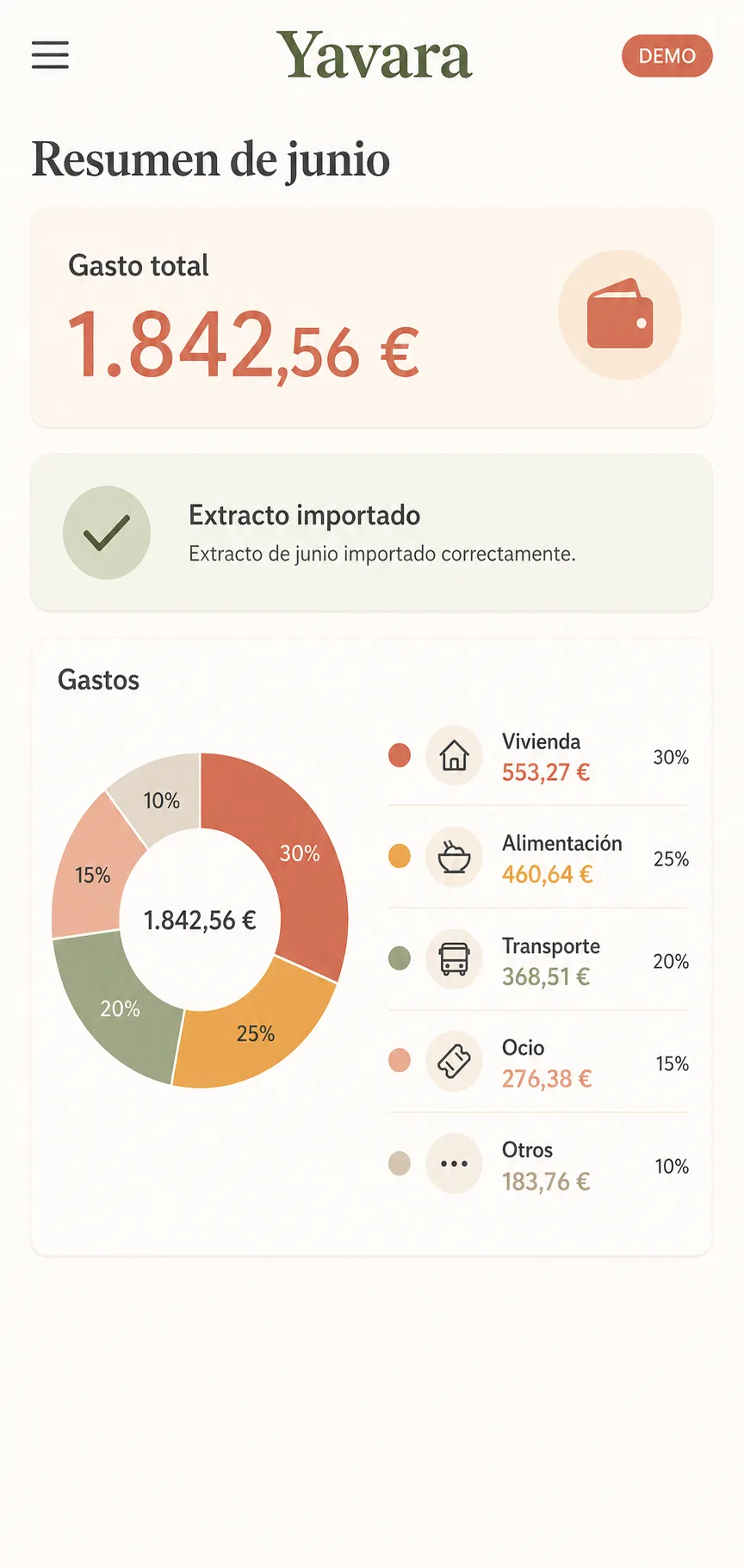
CSV, Excel, PDF, or photo. Choose the file and Yavara prepares the transactions for your review.
Group transactions and summarize habits so you can see what is happening without sorting rows by hand.
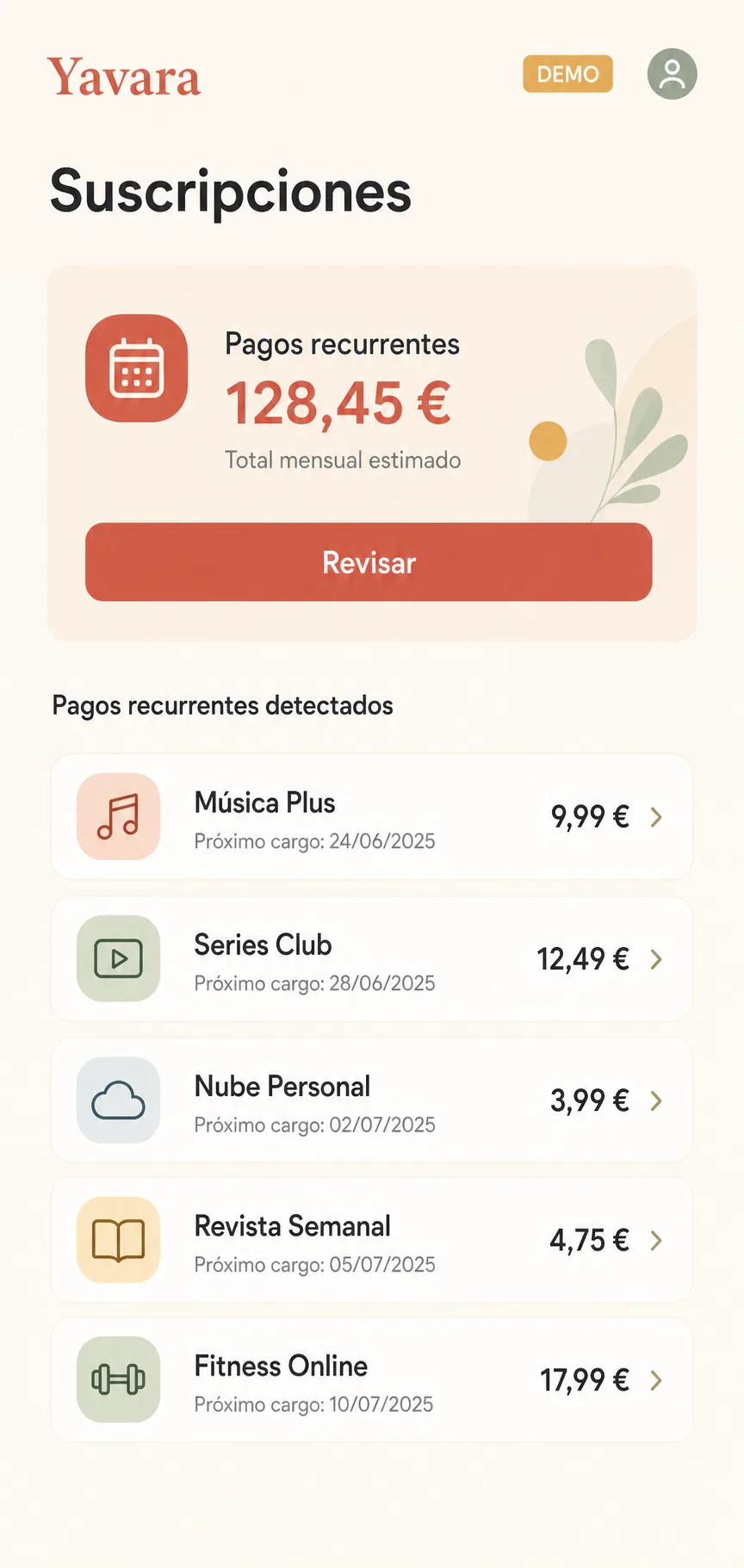
Surface recurring charges in one place so you can decide which ones to keep.
Yavara detects potential subscriptions in imported transactions and brings them together for you to review in one place.
Yavara never asks for access to your bank. It stores your data in an encrypted database on your device and processes documents there whenever the device has capacity. If it needs to use our servers temporarily, it tells you first: we do not store that data or use it to train models.
The Android test is open. Leave the Google account email on that phone and we will send the install link. Please keep the app installed for 14 days and tell us whether the result is useful. If your bank is Revolut, ING, Santander, Sabadell, or CaixaBank, you can try your own statement: the file stays on the phone. If you use an iPhone, join the list and we will write when the iOS test opens.